

What you’ll learn
- How to create an organization and find your collector credentials
- How the
envvalue routes data into a source - How to send data from a Node.js service or any OpenTelemetry source
- What first data looks like and how long it takes
- How to ask an AI assistant about the data
Prerequisites
- A Sherlock account
- A service to instrument, or an OpenTelemetry Collector you can configure
Step 1: Create an organization
- Sign in to Sherlock.
- If you are not in an organization yet, the app asks you to create one. To add another, open the organization switcher at the top of the sidebar and choose Create organization.
- Enter a name and click Create organization. Sherlock provisions the organization’s database.
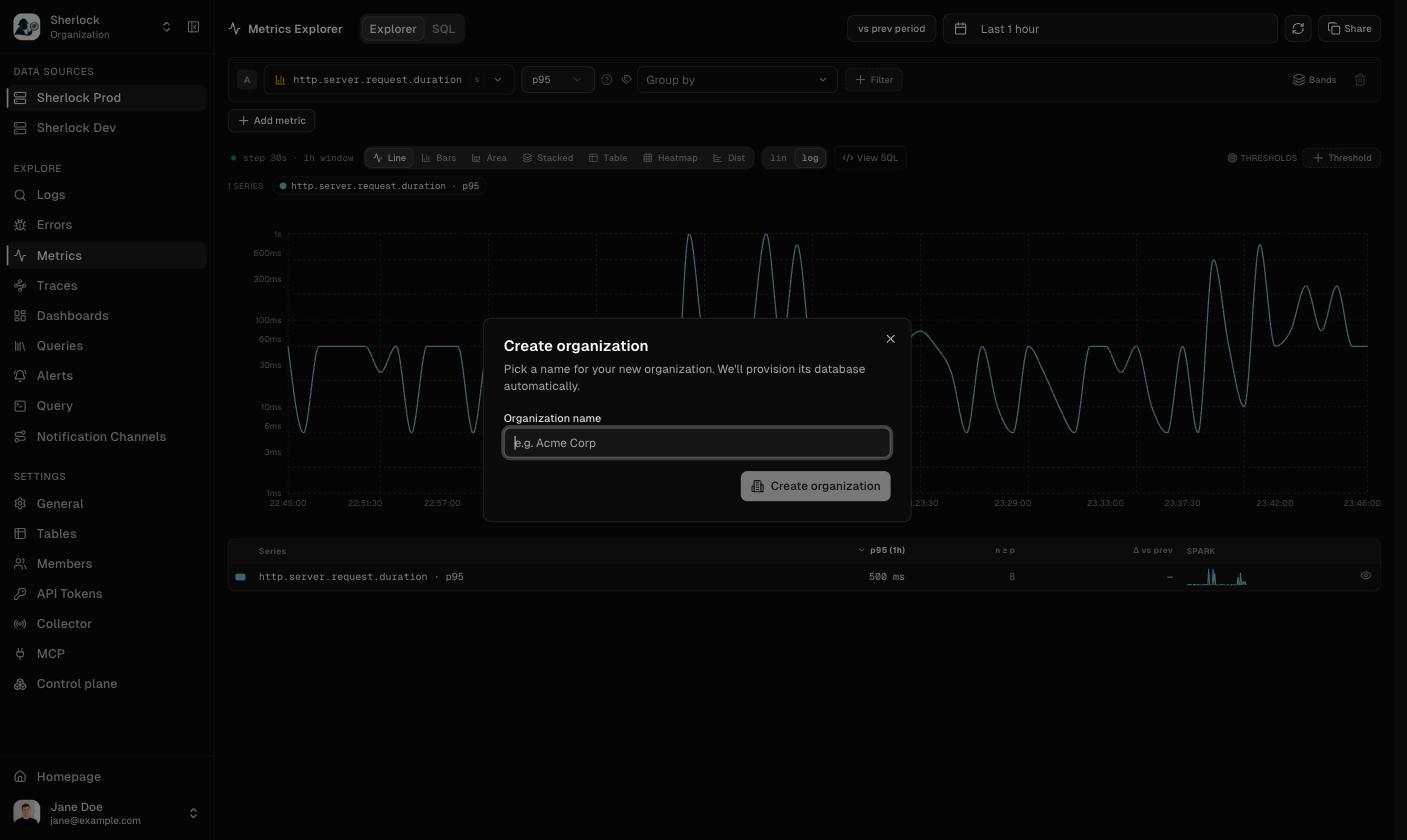
Create an organization
Step 2: Get your collector credentials
- Open Settings and then Collector.
- In the Collector Credentials card, copy the Endpoint.
- Click Reveal next to Bearer Token, then copy it.
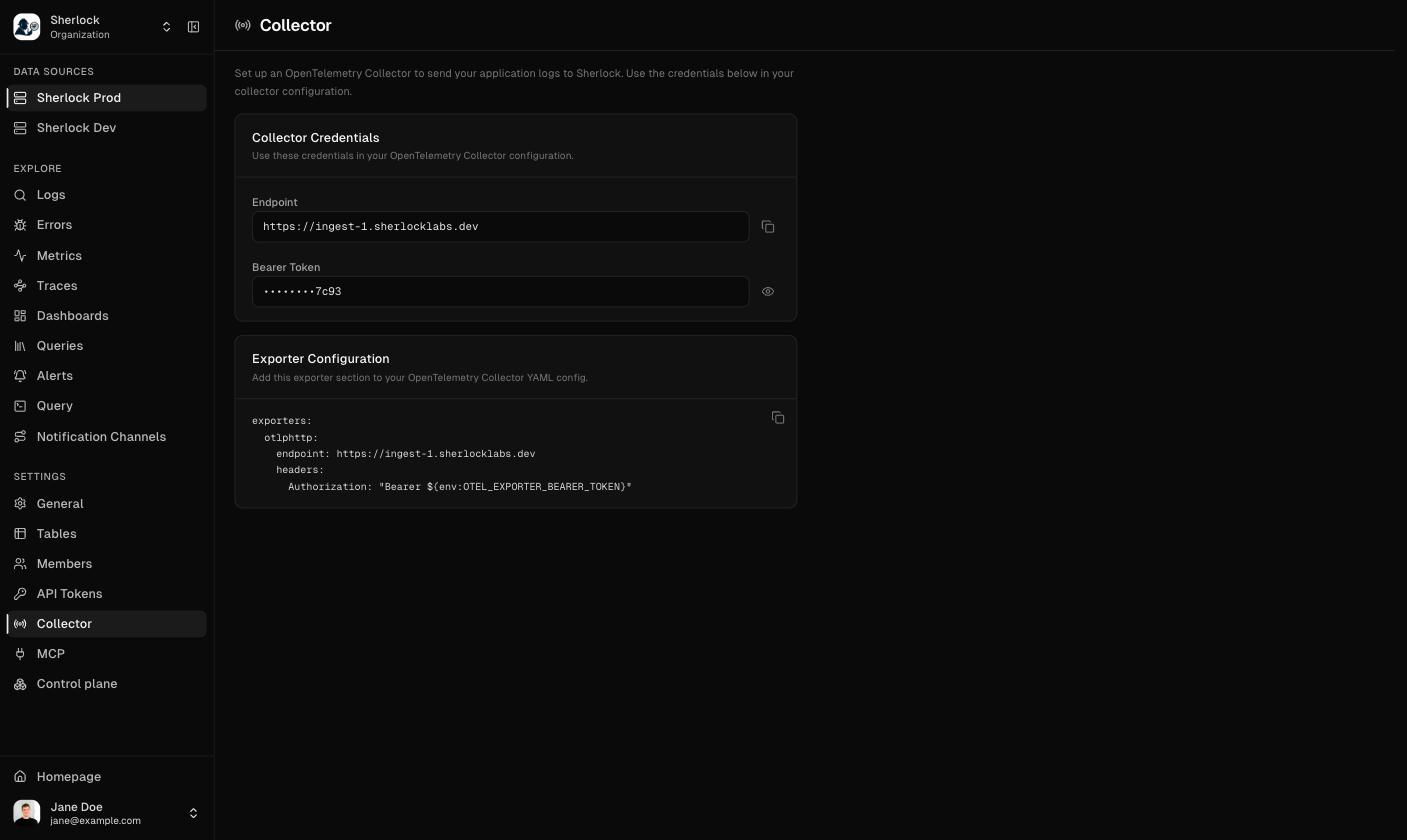
Settings → Collector → Collector Credentials
Step 3: Choose the env value
Sherlock routes incoming data into a source by theenv resource attribute. Every organization starts with two environments, Prod and Dev. Decide one value per deployment of a service, prod or dev, and set it on every exporter:
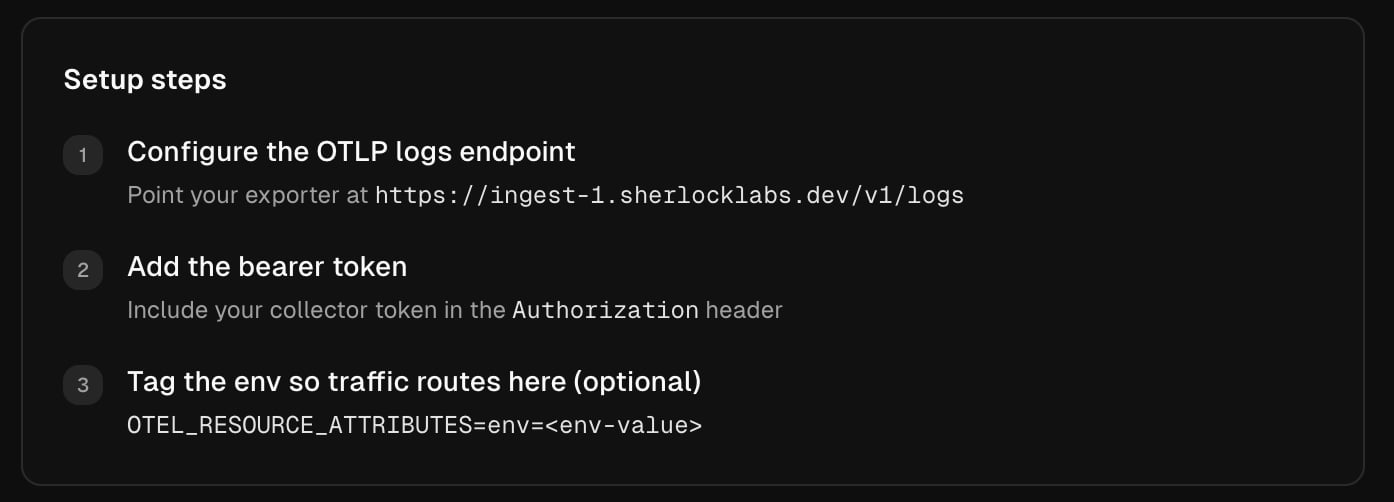
The setup steps on an empty Logs page
Step 4: Send data
- Node.js service
- Any OpenTelemetry source
Install the Sherlock SDK, register it, and set three environment variables. The Node.js quickstart walks through it in ten minutes.
Step 5: Open the data
- Traces shows a service within seconds of its first request.
- Metrics lists a metric after the sender’s first export interval. The catalog refreshes every 60 seconds.
- Logs shows a log line within about a minute. Logs need their own sender: the Node.js SDK does not ship them. See Ship and correlate logs or send them through a collector.
Step 6: Ask about it
Sherlock has an MCP server, so an AI client can answer questions over the same data. Connect Claude Code with one command and ask:- “Tell me about the state of the system using the Sherlock MCP tools”
- “Group today’s errors and tell me which one is new”
Troubleshooting
Nothing arrives
Nothing arrives
Check the endpoint and the token against Settings → Collector. Then check the sender’s own diagnostics for a
401 or a connection error.Data lands in the wrong source, or in none
Data lands in the wrong source, or in none
Compare the
env value on the sender with the source’s accepted values, shown when you click the ⓘ next to the source in the sidebar. Matching is exact and case-sensitive, and a value that matches no source lands in Prod, the default. See Environments.Related topics
Send data overview
Every way to send data, and what each one needs.
Node.js quickstart
First data from a Node.js service.
Go
Use the upstream OpenTelemetry Go SDK with one bootstrap file that sets what Sherlock expects. The Go code setup shows the whole file.
Ask an AI assistant
Connect an MCP client and ask questions over your data.
Alerts
Get notified when a query’s condition holds.